7 minutes
Game Development Hardware Guide 2026: Building a PC That Codes and Plays
by Kurt Madel
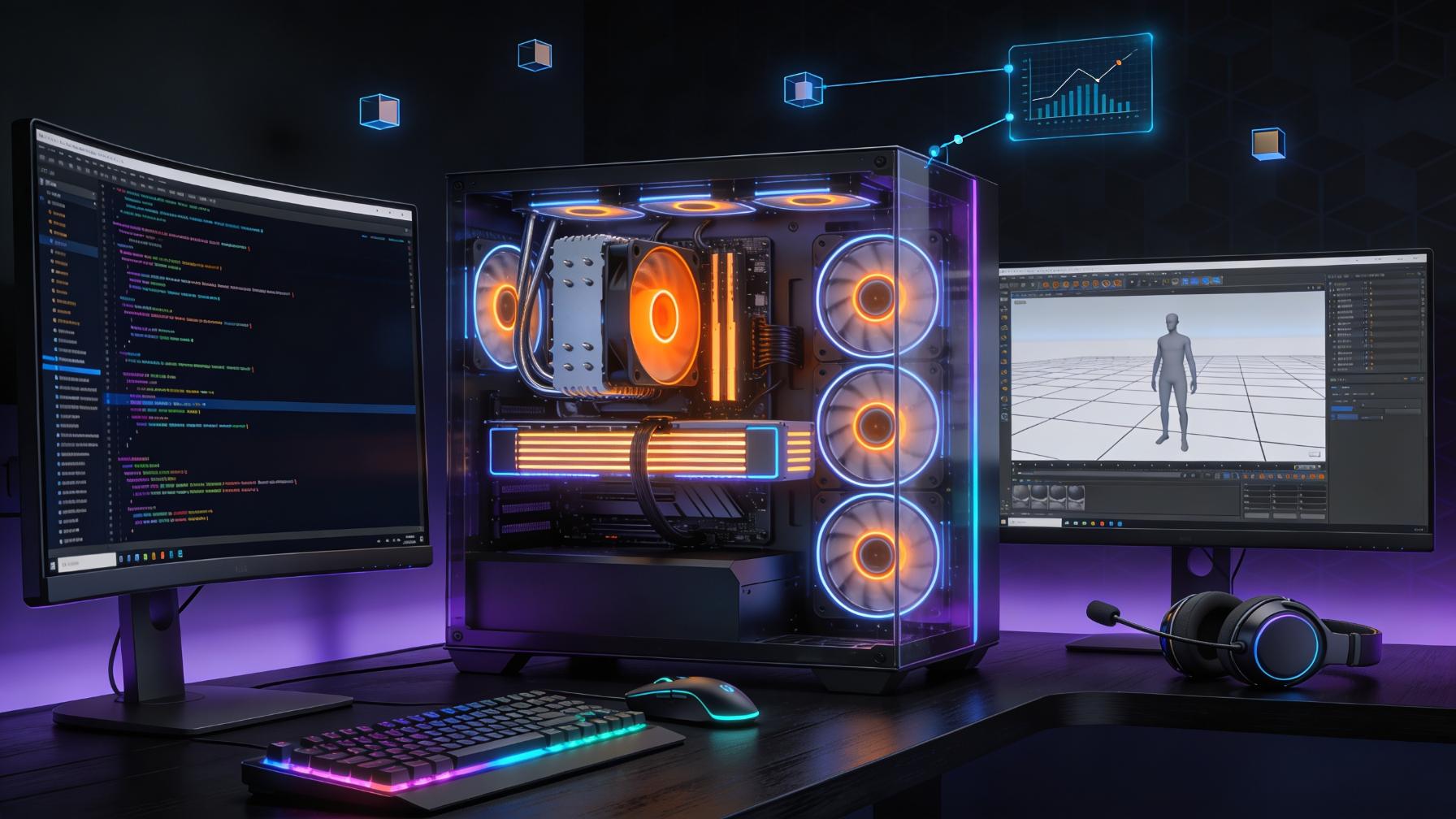
The intersection of game development and high-performance gaming requires carefully selected hardware. Whether you are prototyping your first indie game in Unity Game Engine or Unreal Engine by Epic Games, or diving into complex machine learning pipelines for game AI, the right PC setup can mean the difference between waiting hours for builds to complete and maintaining a fluid development workflow. This guide breaks down the optimal hardware configuration for developers who also want a capable gaming machine, using real benchmark data to inform every recommendation.
Why Game Developers Need Dual-Purpose Hardware
Game development is uniquely demanding on PC hardware. Your machine must handle code compilation, 3D asset processing, physics simulations, and real-time engine editing — while also serving as your gaming rig after hours. Most development workflows involve running the game engine in the editor, which often taxes both CPU and GPU differently than playing a shipped title. The build process might peg all cores for thirty minutes, while scene editing in Unreal Engine 5 with Lumen and Nanite demands sustained GPU performance that rivals any AAA gaming session.
Finding hardware that excels at both workloads requires looking at data beyond marketing claims. Synthetic benchmarks like Cinebench or 3DMark give you raw compute numbers, but what matters for development is how specific hardware combinations perform in the tools you actually use. A processor that scores brilliantly in single-threaded tests might disappoint when Microsoft Visual Studio is compiling a large solution while Unity is rebuilding lighting. Similarly, a GPU optimized for gaming might lack the compute headroom needed for shader compilation or AI training tasks.
This is where comprehensive hardware databases become invaluable. Instead of relying on manufacturer specs or review benchmarks designed for consumers, you can access real-world FPS and compute performance data through https://fpsbench.com filtered by the exact hardware combinations that matter for development workflows.
The CPU Decision: AMD vs Intel for Development
The processor is the workhorse of any development machine. For a broader baseline, CPU performance rankings help frame where each chip sits before you compare specific builds. Modern game engines are heavily multithreaded, meaning more cores generally translate to faster compilation times, smoother editor performance, and better parallel asset processing.
AMD Ryzen 9000 Series
AMD's Zen 5 architecture delivers substantial improvements in instructions per clock (IPC), making the Ryzen 9000 series particularly attractive for development work. The Ryzen 7 9850X3D stands out with its 3D V-Cache technology, which provides 96MB of L3 cache — exceptional for compilation workflows that involve large codebases. In development scenarios where you are iterating on C++ code in Visual Studio or Rider, the massive cache means header precompilation and IntelliSense indexing happen noticeably faster.
For those building larger projects with Unreal Engine, the eight-core sixteen-thread configuration of the Ryzen 7 9850X3D handles both the editor and compiled game instances simultaneously without the bottlenecks that plague lower-core-count chips. You can have the editor running in one window, a packaged build testing in another, and your compile process chugging along in the background — all without the UI stuttering that makes development painful.
The Ryzen 9 9950X pushes this further with 16 cores and 32 threads. This processor excels at parallel workloads: shader compilation through LLVM, cooking textures in asset pipelines, and running multiple虚拟机 instances for testing different engine versions. The multi-core performance advantage is measurable when you are working with large solutions or processing assets in batch.
Intel Core Ultra 200 Series
Intel's Arrow Lake architecture represents a significant shift in the company's approach. The Core Ultra 9 285K features 8 performance cores and 16 efficiency cores, with a total of 24 threads. The architecture prioritizes single-threaded performance while maintaining respectable multithreaded throughput through the efficiency cores.
For game developers using engines that benefit from high single-thread performance — particularly Unity, which historically favors main thread responsiveness — the Core Ultra 9 285K delivers competitive performance. The integrated Xe3 graphics also provide a capable fallback for lighter gaming or debugging on the integrated GPU while your discrete card is occupied with compute tasks.
The distinction between these platforms becomes clearer when you look at actual benchmark comparisons. Comparing processors like the Ryzen 7 9850X3D vs Core Ultra 9 285K shows where each chip's strengths lie for specific development scenarios.
GPU Selection: Balancing Gaming and Compute
Graphics hardware serves dual purposes for game developers: rendering your work in the engine and handling compute tasks like shader compilation, AI model training, and physics simulation. The GPU benchmark database can narrow the long list of cards before you make final tradeoffs.
High-End Selection: RTX 5080 vs RX 9070 XT
For developers who want flagship gaming performance alongside serious compute capability, the choice between NVIDIA and AMD remains nuanced. The RTX 5080 Super delivers exceptional performance with DLSS 4 and Multi Frame Generation, technologies that matter when you are playing games during downtime but also need CUDA compute for machine learning applications in game AI development.
The RX 9070 XT from AMD offers compelling rasterization performance at a potentially lower price point. For developers working primarily with graphics programming, Vulkan or DirectX development, or Unreal Engine's nanite and lumen systems, the raw rasterization capability of AMD's RDNA 4 architecture provides excellent value. However, CUDA support remains a significant factor for those working with TensorFlow or PyTorch for game AI — a domain where NVIDIA maintains a clear advantage.
When evaluating these cards for development, consider your typical workflow. If you are building physics systems, pathfinding AI, or any GPU-accelerated feature, the RTX 5080 Super's compute ecosystem might justify the premium. For pure graphics programming and engine work, the RX 9070 XT delivers exceptional performance per dollar.
You can use the GPU vs GPU performance comparison view for quick pairings. You can also see detailed performance comparisons between these cards in actual games, which serves as a useful proxy for engine performance: RX 9070 XT vs RTX 5080 provides the benchmark data you need to make an informed decision.
Mid-Range Workhorses: RTX 5070 and RX 9060 XT
Not every developer needs flagship hardware. The RTX 5070 Super and RX 9060 XT represent the sweet spot where gaming performance meets reasonable pricing. At 1440p, these cards handle modern titles at high settings comfortably, and they provide adequate compute headroom for most development tasks.
The RTX 5070 Super benefits from the same DLSS technology as its bigger siblings, which matters for testing upscaling implementations in your own games. Understanding how these technologies work at a fundamental level — and being able to benchmark your title with them — is valuable for any modern game developer.
Memory and Storage: The Often-Overlooked Essentials
Development workflows are memory-hungry. Visual Studio with a large solution can consume 8GB of RAM before you even launch your game engine. Unreal Engine 5 recommends 32GB minimum, and 64GB becomes necessary when working with large open-world projects or heavy asset libraries.
For 2026, 32GB represents the minimum viable configuration, with 64GB being the recommended target for serious development. The cost premium for doubling your capacity is modest compared to the productivity gains from never hitting memory pressure during a complex debug session.
Storage is equally critical. Modern game engines read and write enormous amounts of data during compilation and asset processing. A fast NVMe drive is not optional — it is essential. Look for drives delivering at least 7GB/s sequential reads, which dramatically reduces load times when opening large solutions, cooking assets, or loading complex scenes in the editor.
Building Your Development Rig: Practical Recommendations
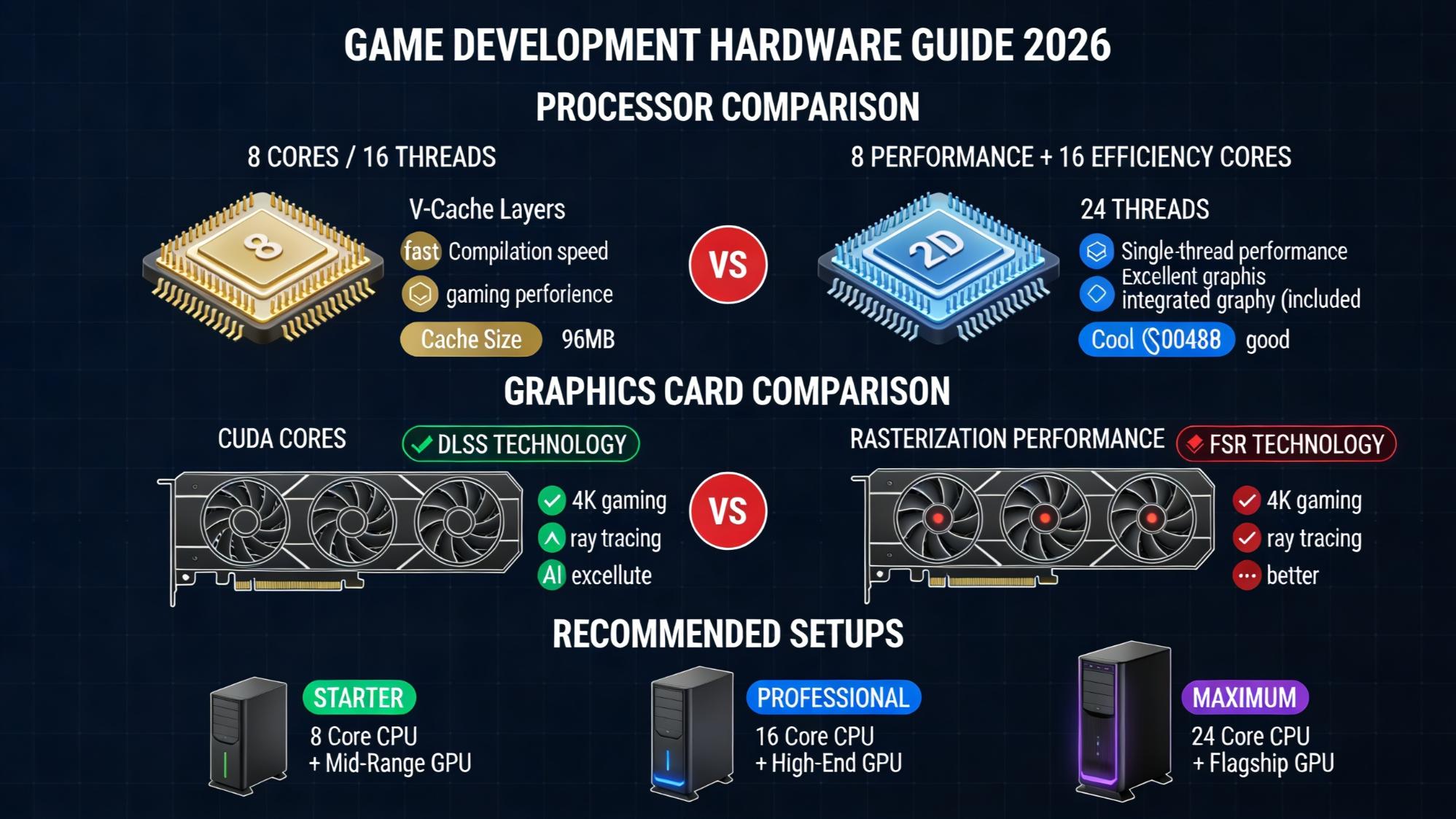
After analyzing the hardware landscape with real benchmark data, here are configurations suited for different development scenarios:
Indie Developer / Small Projects A Ryzen 7 9850X3D paired with an RTX 5070 Super provides ample power for Unity or Unreal development at 1440p. The 3D V-Cache is particularly valuable for compilation-heavy workflows, and the RTX 5070 handles both game testing and light AI work effectively.
Mid-Tier Professional The Ryzen 9 9950X with 64GB RAM and an RTX 5080 Super delivers workstation-class performance. This configuration handles large Unreal projects, extensive compile times, and demanding GPU tasks without compromise. The additional cores accelerate parallel asset processing and multi-task development workflows.
No-Compromise Build A Core Ultra 9 285K or Ryzen 9 9950X paired with an RTX 5090 represents the pinnacle of development capability. This machine handles any game engine, any asset pipeline, and any compute workload you can throw at it. The investment is substantial, but for professional developers whose time is money, the productivity gains are real.
Conclusion
Building a game development machine requires balancing multiple competing priorities: compilation speed, engine performance, GPU compute for AI and simulation, and pure gaming capability when you need to disconnect. The hardware landscape in 2026 offers excellent options at every price point, but the key is matching your specific workflow to the right components.
Rather than relying on manufacturer specifications or generic reviews, use real performance data to validate your choices. Understanding how a specific CPU and GPU combination performs in the tools you use daily leads to better purchasing decisions and a more productive development environment. Whether you are building your first development machine or upgrading an existing workstation, the data exists to make informed choices — use it.
For more detailed hardware comparisons, start with game hardware combination benchmarks and real benchmark data across thousands of processors and graphics cards. Your development workflow will thank you.